Where’s the data from?
With your permission, Perstia reads Move, Exercise, and workouts from Apple Health. It doesn’t change your Health records.
 Perstia
Your Move, Exercise, and workouts, on your iPhone Home Screen. A daily reminder to show up and keep going.
Explore the widgetComing to the App Store.
Planned US$1.99, paid once.
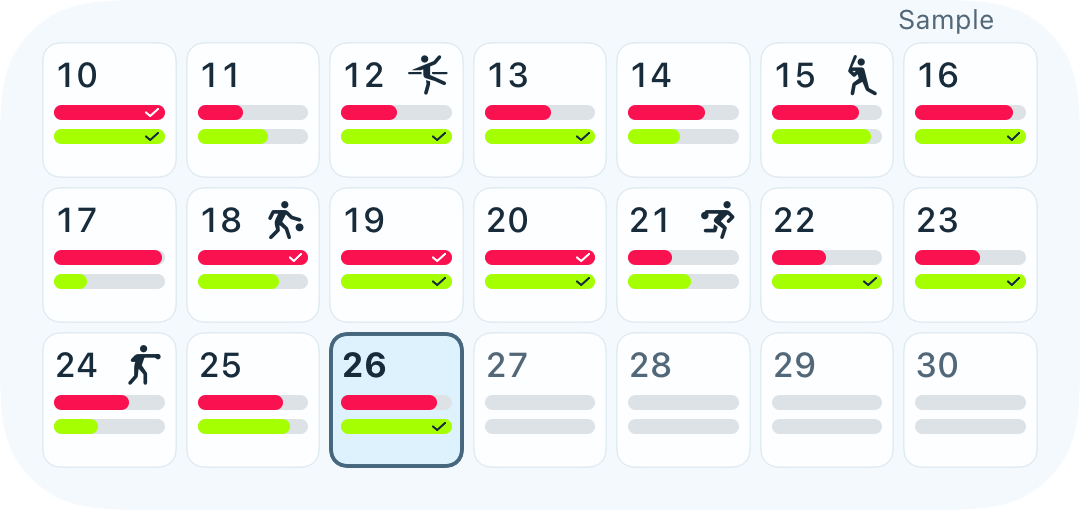
A quick look tells you where you are today. Your recent days show the progress you’re building.
Planned one-time price, with all features included. No subscription or in-app purchases.
Coming to the App Store. Perstia isn’t available to download yet. Regional prices may vary at launch.
Activity from Apple Health, processed on your device. A widget that fits into your existing day.
With your permission, Perstia reads Move, Exercise, and workouts from Apple Health. It doesn’t change your Health records.
Health data stays on your device. There’s no account, advertising, or usage analytics. Crash reporting is off until you enable it in Settings. Optional technical reports help fix bugs.
Read the privacy policyOnce Perstia is installed, touch and hold your Home Screen, choose Edit, then Add Widget, and find Perstia. Choose the medium size. Touch and hold it and choose Edit Widget to adjust its settings.
More setup help